SOFTWARE USED: Adobe InDesign
NEA Impact Report
In the end, what was delivered was a categorized
impact report featuring the National Education
Association’s history, numerous programs, and
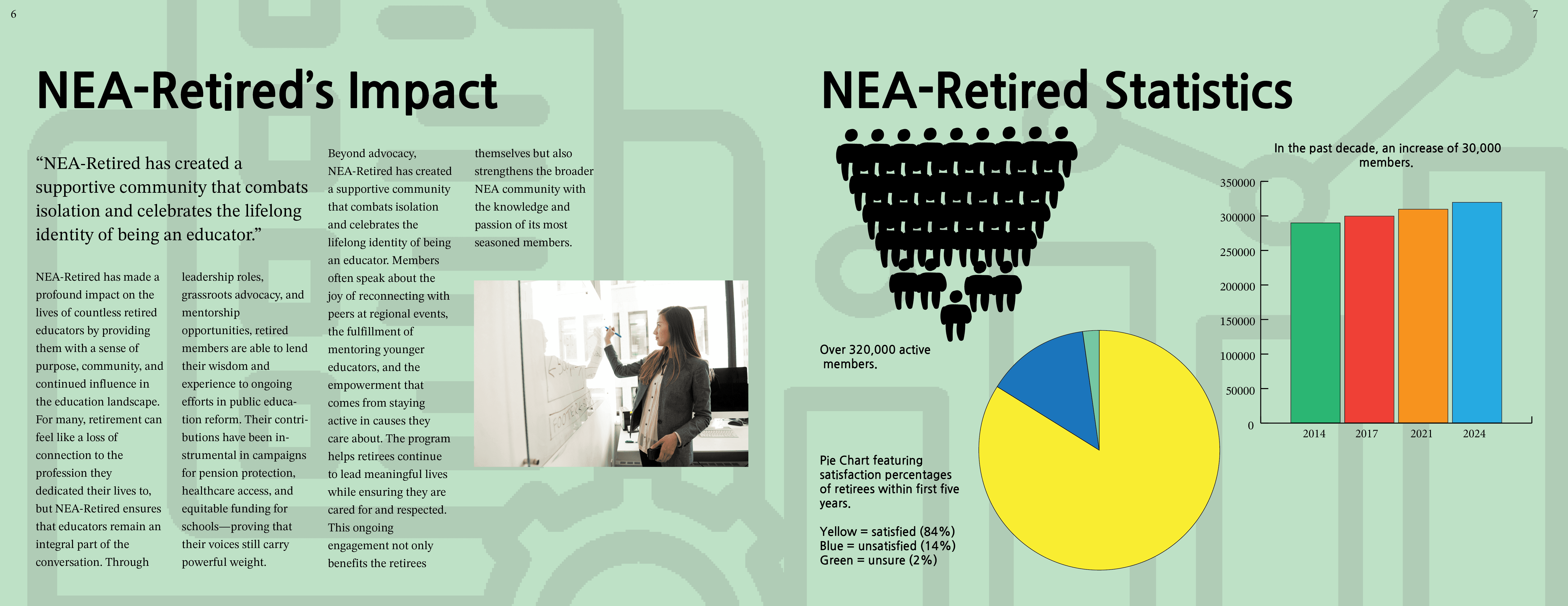
impact. The report takes these categories and
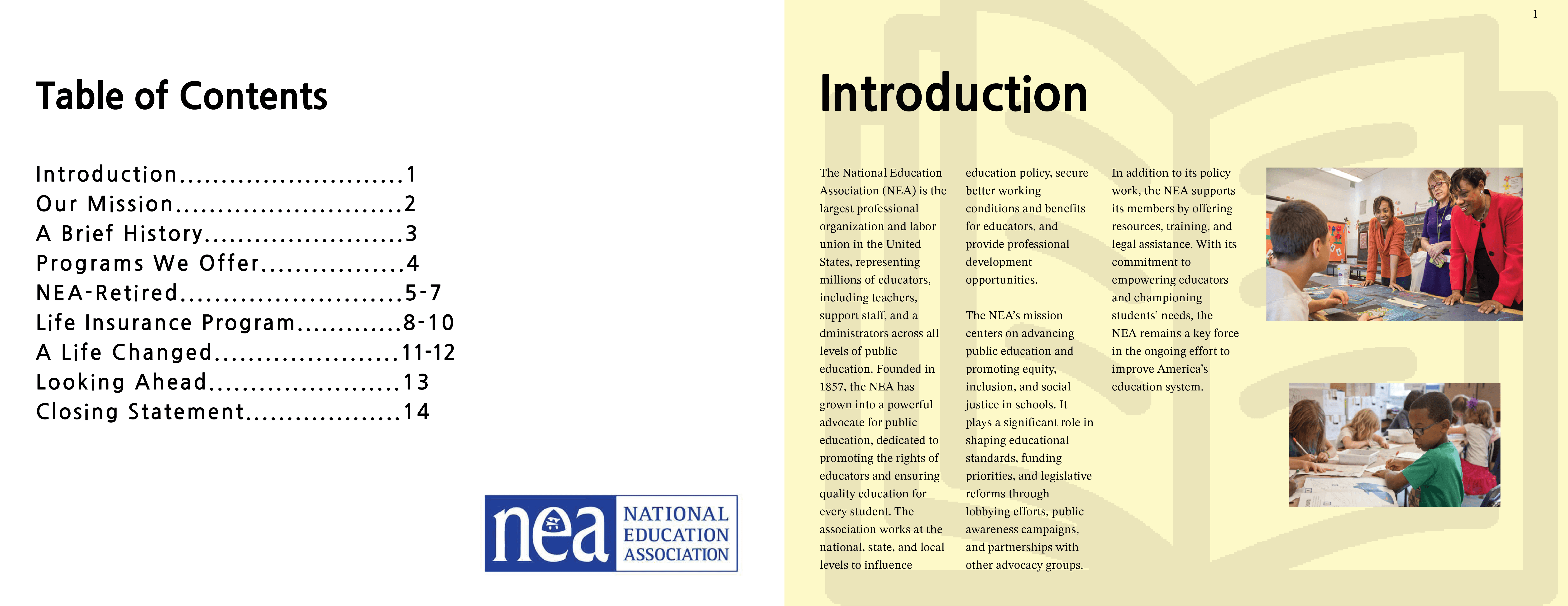
splits them into sections that are identifiable
based on background color. It provides
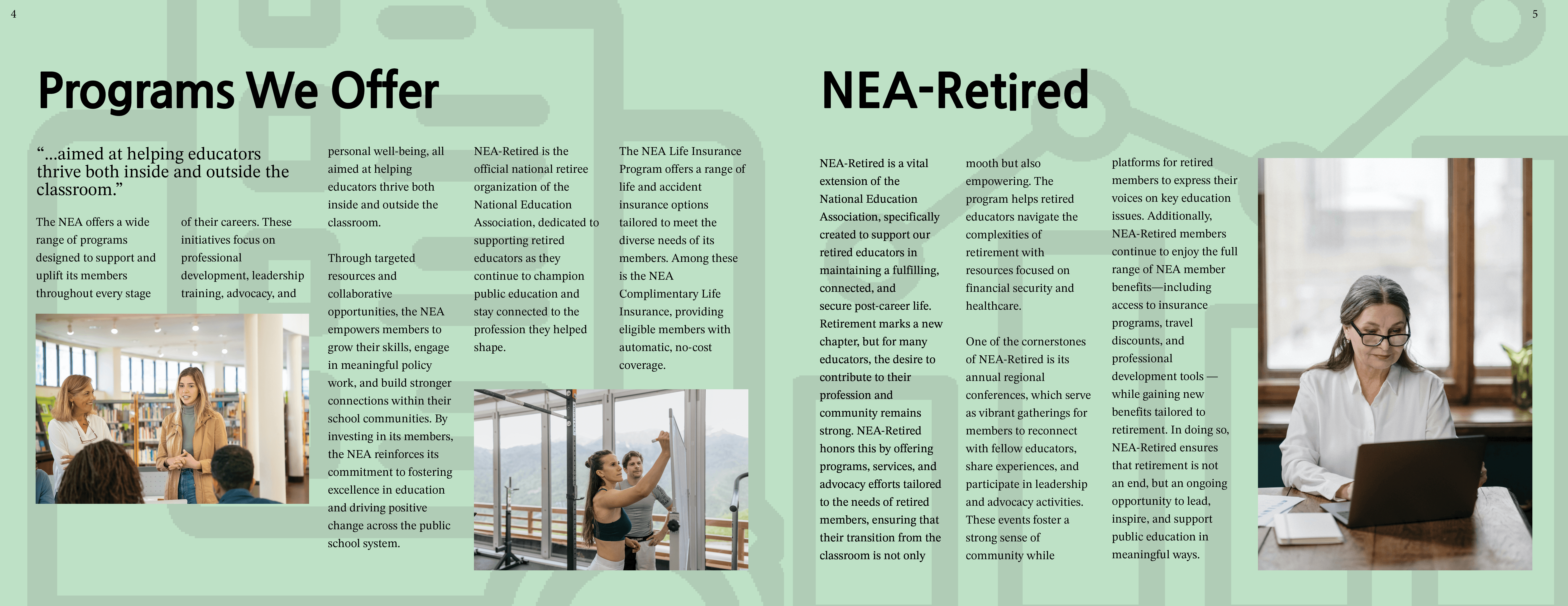
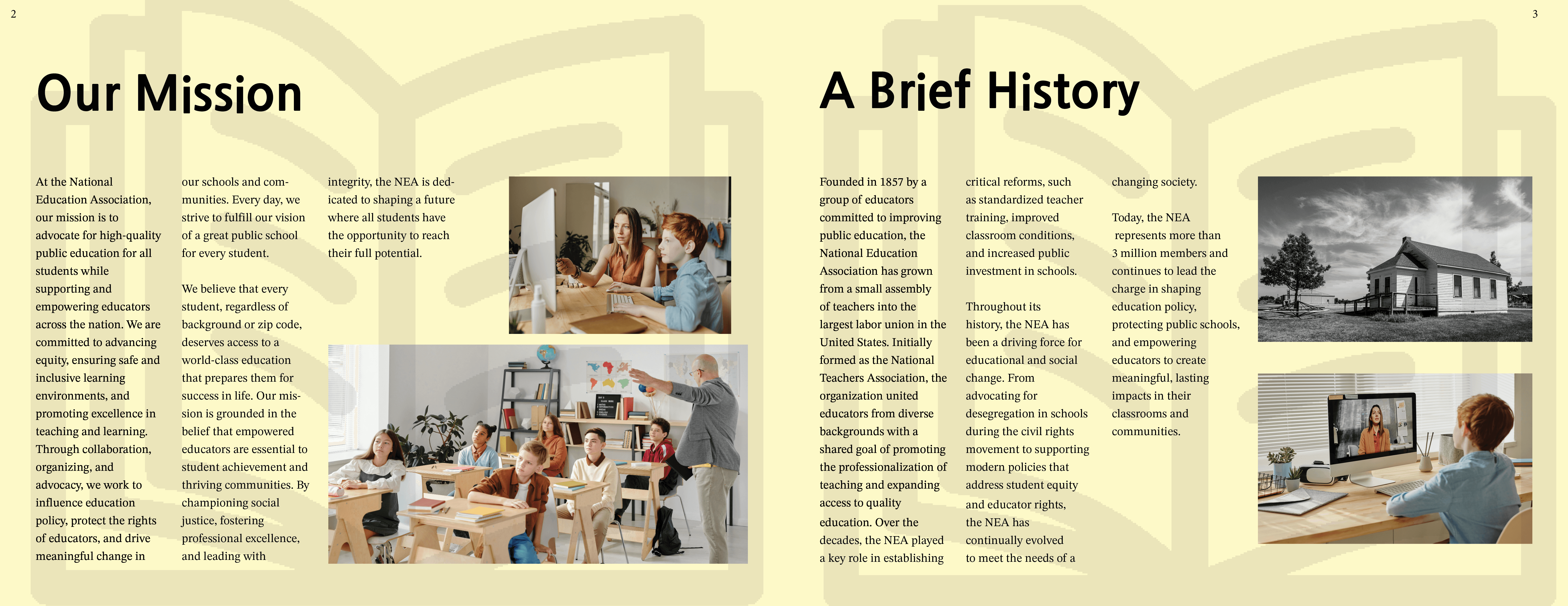
supporting symbols and imagery that help provide
a picture for what the organization does. In the
creation of this report, I learned a preferable way
of displaying information in an organized manner.
I also learned how to display paragraphs of text
with supporting imagery for a paper that is
not standard size.
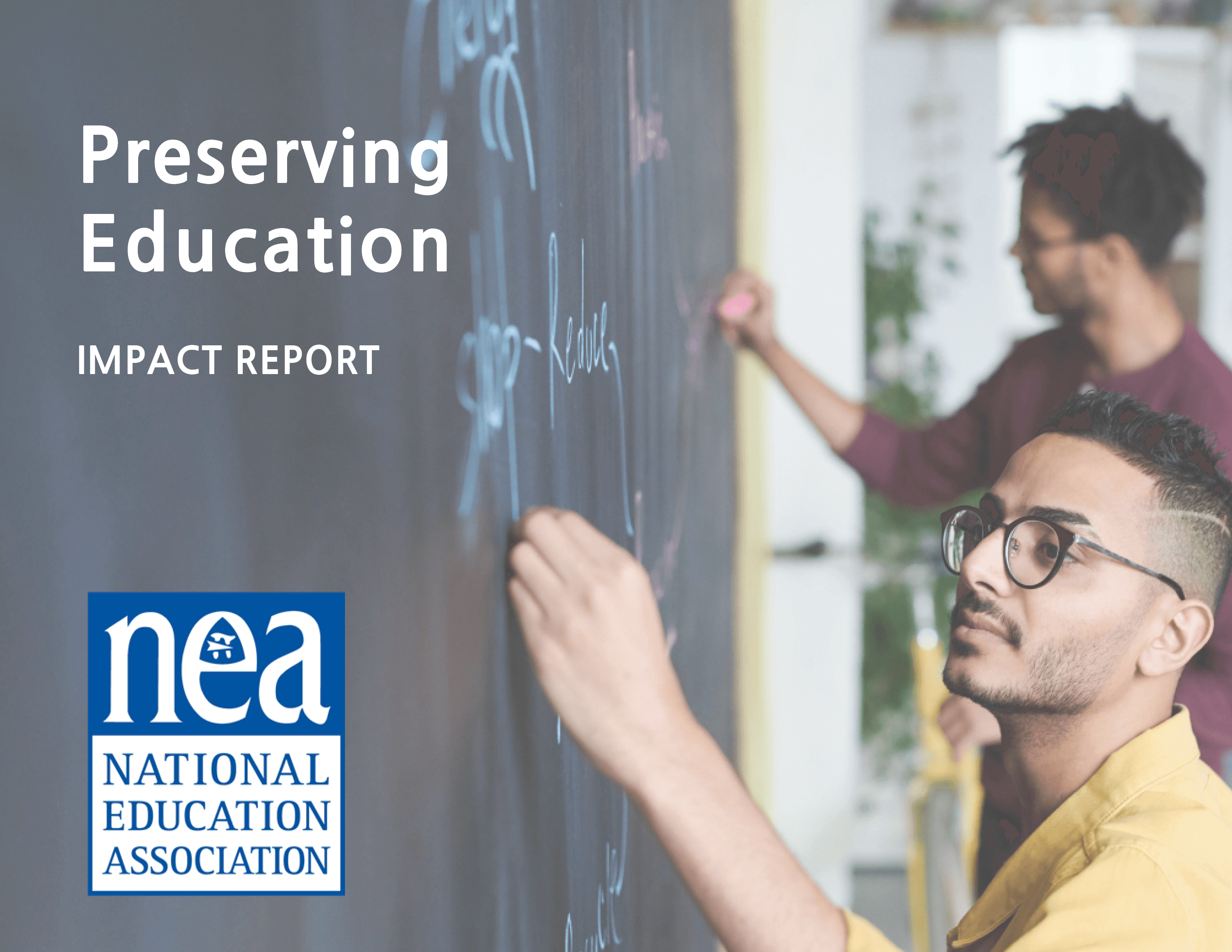
Designed a 2024 impact report for the National
Education Association that translated key information,
achievements, and organizational plans to a clear and
cohesive booklet. The project emphasized using
organized pages that demonstrated hierarchy and
accessibility to effectively communicate the
organization’s accomplishments in the year 2024.
To begin, I gathered information about the
organization such as their mission, history,
programs provided, data, and their future plans.
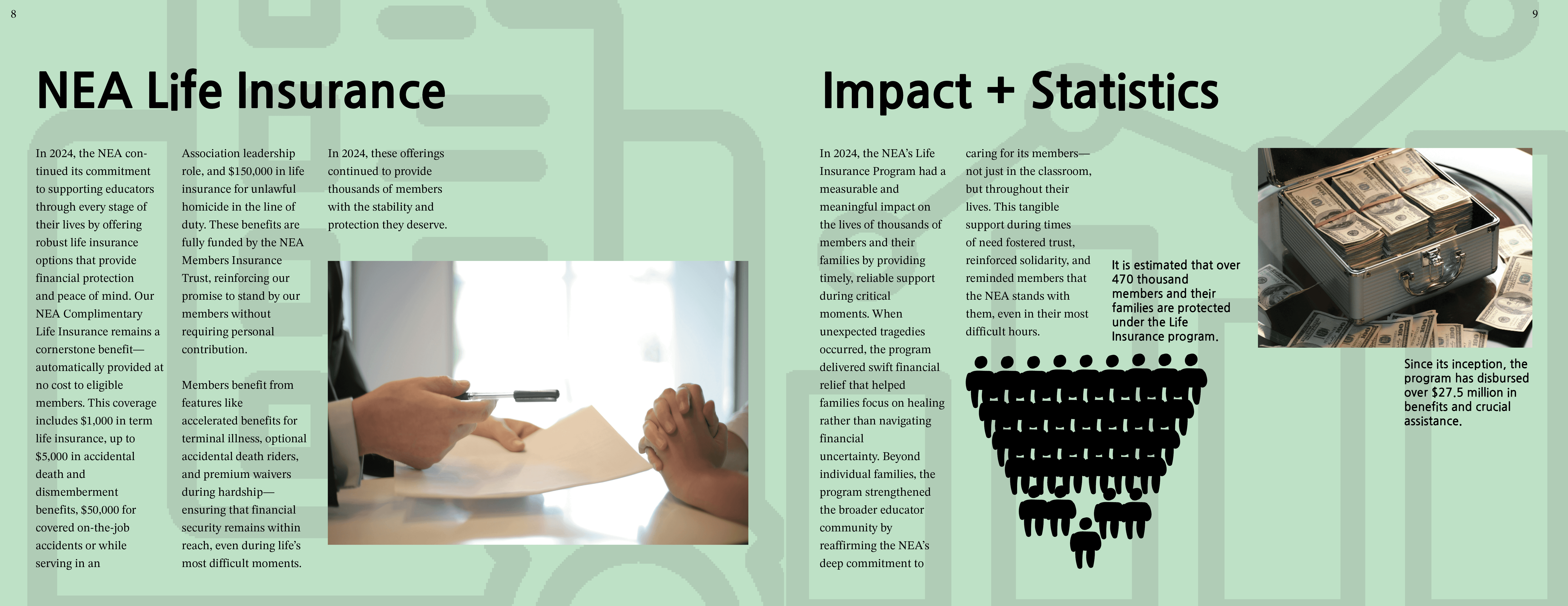
I then organized all of the data I had collected into
three categories: history, programs, and impact.
When all of my information was organized, I
assigned colors to each category, which would
be the background color of the slides they
would be on.
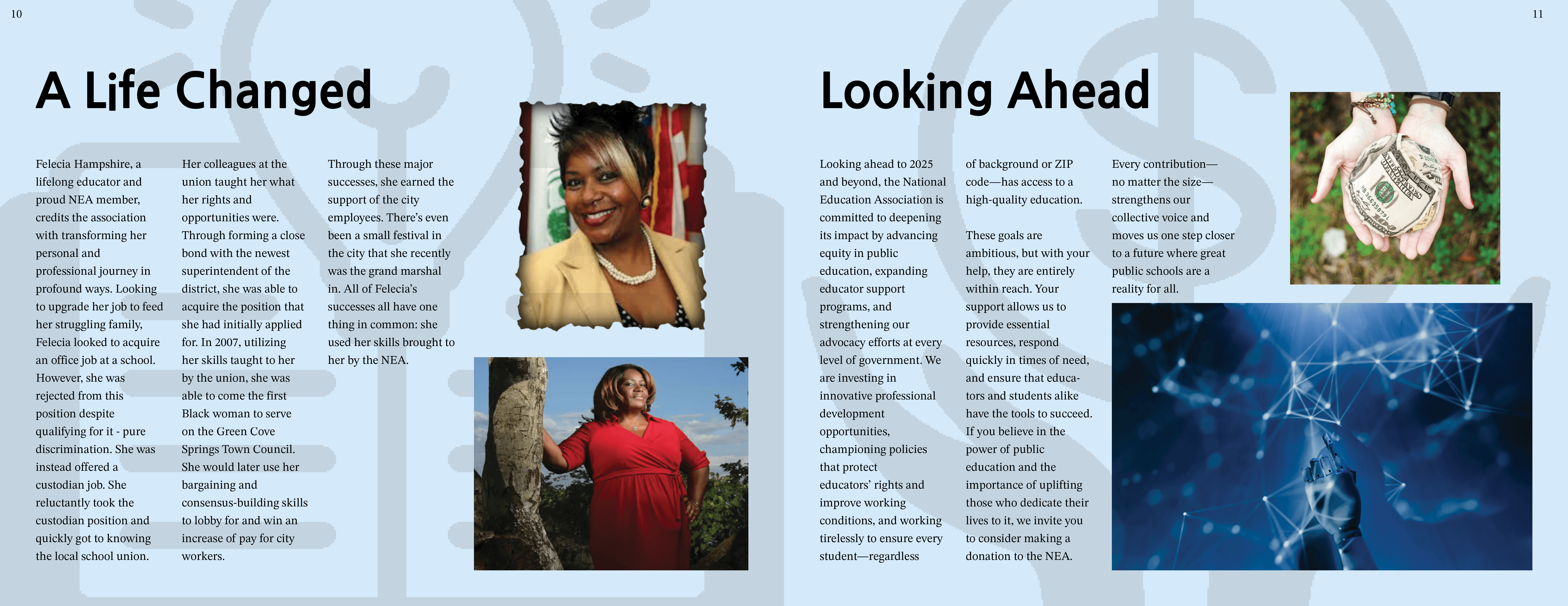
When it came to designing my researched
information, my number one goal was to make
sure that text was primary and imagery was
secondary. I was inspired by how magazines
and newspapers designed text, as I thought
that was the best way of displaying
information in booklets.
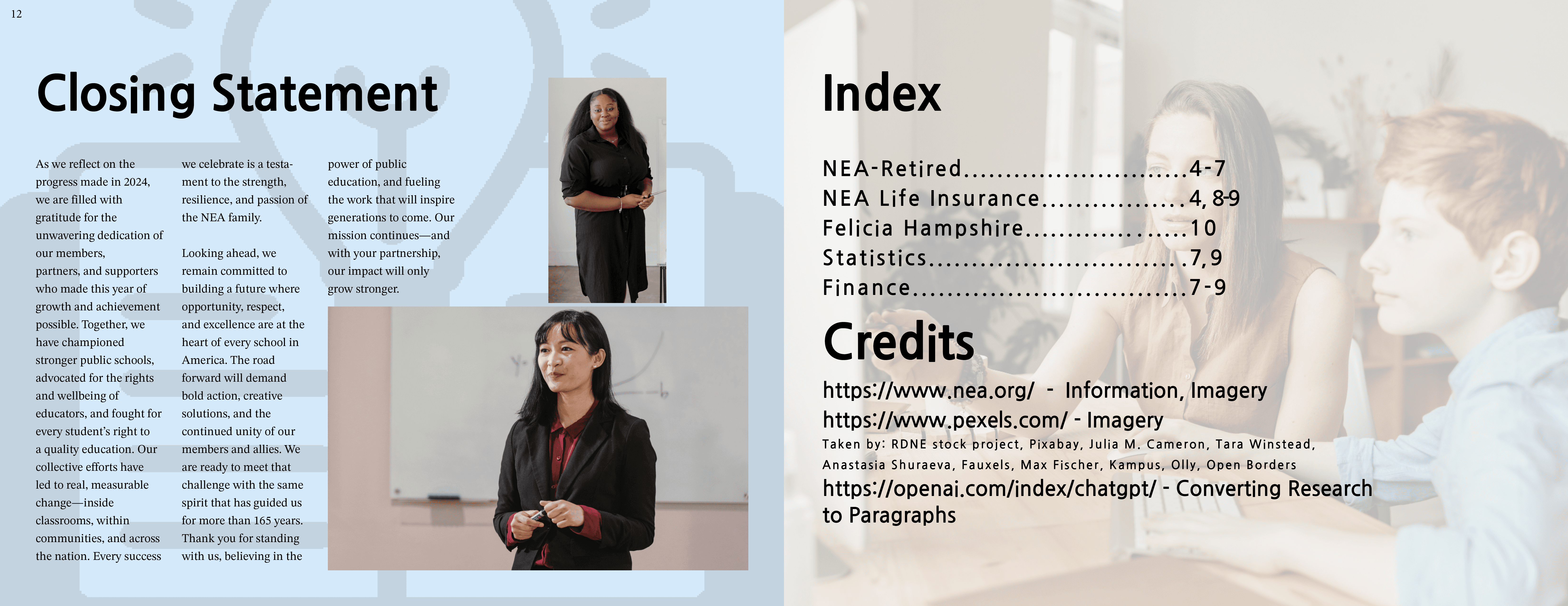
Outside of the beginning and end pages,
I gave each slide an almost-transparent
symbol related to its subject, to complete the
design and give the reader a visual to tie all
of the information together.
Overview

Research & Strategy
Design Approach
Outcome